















Clever product updates
Data quality improvements for Back to School
July 12, 2016
Cat Kamireddy


This year, we’ve been working hard to make improvements on how we process district data, and we’re excited to fully roll out the changes this summer, in time for Back to School.
Starting Thursday, July 21, we’re rolling out the following updates to apply to every sync from a Clever district. Even better, there is no action required from districts or applications to support these changes, so you’ll get more consistent data without the work.
Read more about the changes below and how they might impact you.
Section Grade
- Currently: If a section in a district’s SIS data does not have a grade, the field in Clever is left blank. If all sections in the data have the same grade, the field is left as-is.
- What we’re updating: If a section in a district’s SIS data does not have a grade or if all sections in the data have the same grade, Clever will automatically assign a grade for each section based on the most common grade of enrolled students.
- What districts need to do: Nothing
- Bottom line: More sections with accurate grades
Teachers’ and Students’ Primary School
- Currently: If a teacher or student is only associated with one school in a district’s SIS data, Clever assigns the user to that school, regardless of where their sections are located. If a teacher or student is associated with more than one school in a district’s SIS data, Clever assigns the user to a primary school based on alphanumerical order.
- What we’re updating: Clever will automatically assign a primary school for each teacher and student based on where they teach or are enrolled in a majority of sections.
- What districts need to do: Nothing
- Bottom line: More accurate school associations
Section Name
- Currently: Section name is provided by districts. If a section in a district’s SIS data does not have a name, Clever does not process the section.
- What we’re updating: If a section in a district’s SIS data does not have a name, Clever will automatically create a name in the format of Course_Name-Teacher_Last_Name-Period. For example, a section name created by Clever could be Algebra 1 – Brown – 03.
- What districts need to do: If a district wants Clever to calculate section names for them moving forward, they need to: 1) Remove the “Name” field from their sections.csv file. 2) Ensure they have Course_Name populated in your data.
- Bottom line: More relevant section names
As a reminder, there are no actions needed—so enjoy the improved changes, and let us know if you have any questions by submitting a request for the team here!

More to read
Districts
Global
March 18, 2026
Data Obfuscation vs. Data Minimization: A School’s Guide to Secure Data SharingLearn how Clever offers data minimization tools to help safely provision accounts for edtech applications.

Partners
March 12, 2026
The Infrastructure of Trust: Winning the United States K-12 Market in 2026The U.S. K-12 market has reached an inflection point. We are moving away from an era of unchecked edtech growth toward a future defined by intentional edtech. Success no longer comes from being a point solution; it requires becoming a partner in evolution. To lead in this landscape, true partners must shift their focus from […]
Districts
Global
December 23, 2025
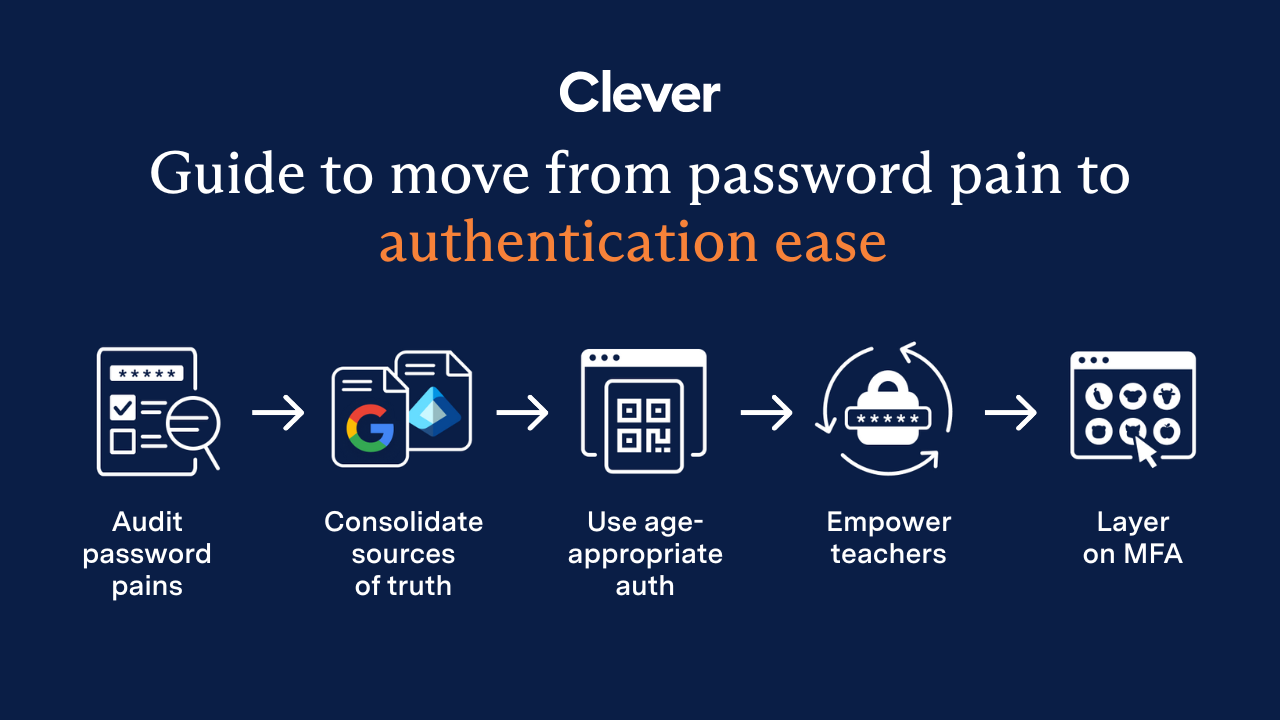
End password chaos: The 5-step guide to secure, age-appropriate logins in schoolsSchool IT departments — take these 5 steps to offload the burden of manual password resets while improving cybersecurity for classrooms.