















Clever product updates
August 2017 product release notes
August 14, 2017
Aneri Shah


Back to School is in full swing and we have new product releases to make sure you have a smooth first few weeks of school. See what’s new below.
Districts
- Back to School (BTS) Guide
- Clever Badge PNG files
- Bulk upload school tech leads
- Teacher backup codes
- Self-service custom mappings
Applications
Both
Districts
Back to School guide
Districts should use the Back to School guide to take them through all the steps they need to prepare them for the new school year. This guide helps you add and set up applications, customize your Clever Portal, and ensure teachers and students can log in successfully. Finish your Back to School guide here!

Clever Badge PNG files
District administrators and school tech leads in districts where Clever Badges are enabled can now also get the individual student badge PNG files when they download badges for the entire district or schools at a time. A .zip file will now contain PNG files as well as the existing PDF files. District admins can also download a single student’s Badge as a PNG in the data browser. We got this request a few times in the Clever Community and are excited to be able to have it live for the new school year.

Districts can now bulk upload School Tech Leads in their admins.csv file! We now support an optional column called *Role* in admins.csv. Learn more.
Teacher backup codes
Teachers can help students who are having difficulty logging in by generating a one-time backup code directly from the teacher Portal. Learn how.

Self-service custom mappings
Districts can now create, update, and view common field mappings in the Districts dashboard!

Applications
We launched the Back to School checklist for our application partners to help prepare for the upcoming year. We cover best practices for prioritizing districts, checking data, and ensuring successful logins before the first day of school.
Both
The new Clever iOS app provides an easier way for students to log in to iPads using Clever Badges. Learn more.
New Resources pages
We created new Resources pages for applications, districts and teachers.
- Applications can now find our webinars, whitepapers, and other resources to help them scale with Clever in a centralized location here.
- District admins can sign up for webinars, watch training videos, and find PD materials here.
- Teachers can also learn what Clever is and how to use it in the classroom here.

More to read
Districts
Global
March 18, 2026
Data Obfuscation vs. Data Minimization: A School’s Guide to Secure Data SharingLearn how Clever offers data minimization tools to help safely provision accounts for edtech applications.

Partners
March 12, 2026
The Infrastructure of Trust: Winning the United States K-12 Market in 2026The U.S. K-12 market has reached an inflection point. We are moving away from an era of unchecked edtech growth toward a future defined by intentional edtech. Success no longer comes from being a point solution; it requires becoming a partner in evolution. To lead in this landscape, true partners must shift their focus from […]
Districts
Global
December 23, 2025
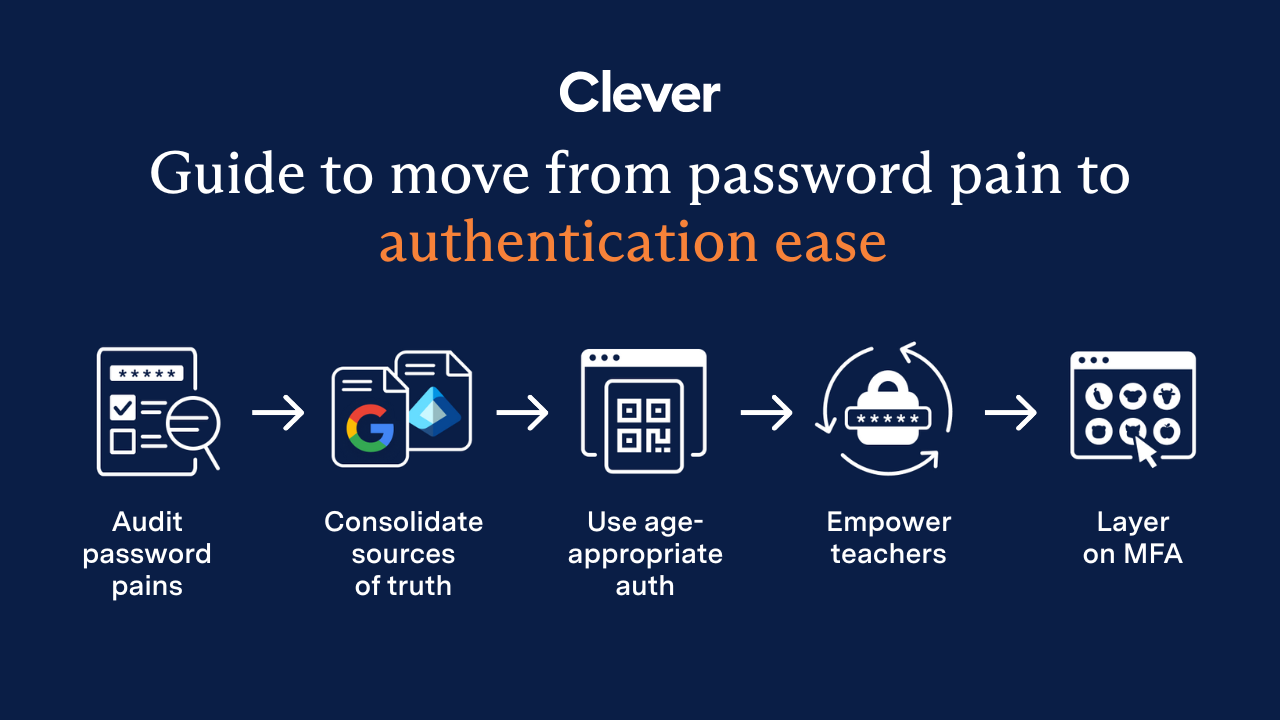
End password chaos: The 5-step guide to secure, age-appropriate logins in schoolsSchool IT departments — take these 5 steps to offload the burden of manual password resets while improving cybersecurity for classrooms.