















Clever news
Clever product updates
Learning applications
Canva for Education partnership: Elevating classroom creativity together
October 12, 2023
clever


Canva for Education, the leading classroom design and creation platform, is now integrated with Clever for rostering and single sign-on (SSO). This partnership enables districts to provide free access to Canva for Districts for all K-12 educators and students, ensuring secure and convenient access for enhanced creative learning.
Canva for Education fosters the development of critical skills such as digital collaboration, design, and visual communication, preparing students for the future workforce. Teachers and students can easily bring their ideas to life using high-quality templates for presentations, posters, infographics, videos, digital whiteboards, newsletters, websites, parent communication, and more.
Creativity tools designed for K-12 at your fingertips
In partnership with Clever, Canva for Education’s digital creativity tools are easily accessible with the click of a button via the Clever Portal. 100% free to K-12 districts, this partnership brings you:
- Seamless rostering: Student access is updated in real-time with secure, reliable, automated rostering, removing the need for manual account creation.
- Secure, delightful logins: Students and teachers can login with the same Clever Badge or user credentials they use to access all their other applications, reducing lost instruction time on troubleshooting logins.
- Safe-for-school content: Rest-assured that both Canva for Education and Clever are FERPA and COPPA compliant, and content has been vetted to be safe and appropriate for the school environment.
- Advanced management and controls: District administrators remain in control of provisioning, access control and student publishing or sharing options with a product designed specifically for K-12 schools.
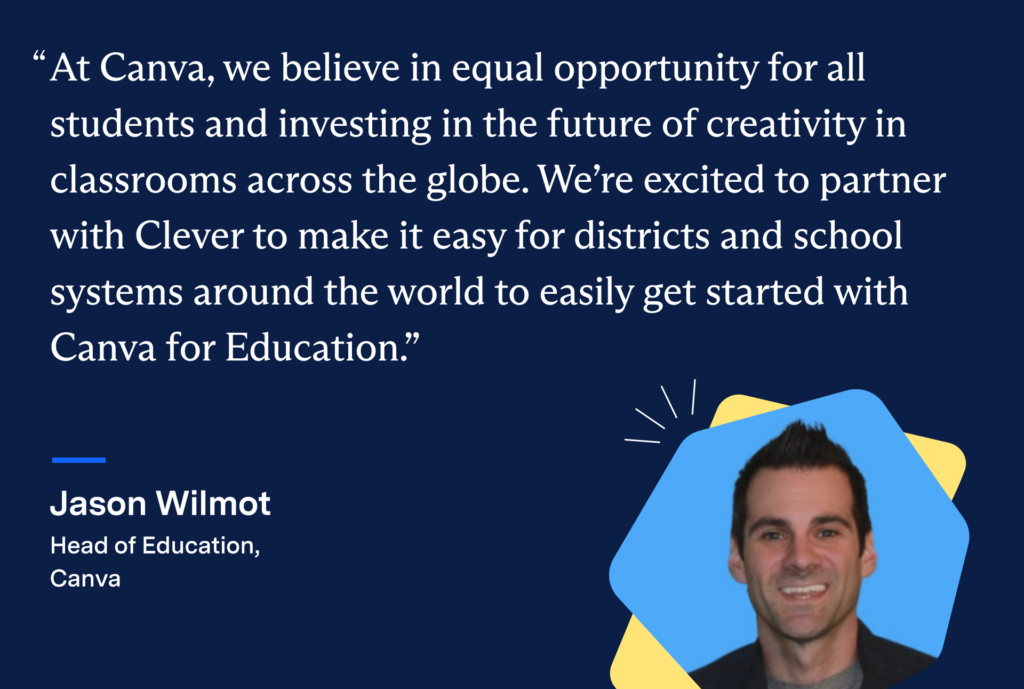
How to access Canva for Education in Clever
Clever administrators can request to connect to Canva for Education via their Clever Dashboard here.
To learn more about the Canva for Education integration and requirements, reference the Canva for Education setup guide in the Clever Help Center.
Once setup is complete, teachers and students will be able to access Canva for Education in the Clever Portal.
Click here to learn more about Canva for Districts.


More to read
Districts
Teachers
August 3, 2026
District-Wide Defense: A Texas School District’s Successful Rollout of Student MFAEdinburg CISD needed to secure student identities across a 30,000+ Chromebook fleet—without overwhelming an already stretched IT help desk. With Clever's age-tiered MFA framework, the Texas district enrolled 99% of its 32,000 students within two months, virtually eliminating password reset tickets and empowering teachers to resolve credential issues in the classroom.
Districts
Global
Teachers
August 3, 2026
One Sync, Half a Million Students: TDSB’s Rostering TransformationCanada's largest school board needed a smarter, more secure way to manage student data across a growing suite of learning applications—without adding to its IT team's workload. With Clever, Toronto District School Board built a customized, application-level rostering model that automated data sync from PowerSchool, gave teachers class-level access, and strengthened data security for 500,000+ students and staff.
Districts
Teachers
July 7, 2026
Newcastle Grammar School Meets Essential 8 Compliance with Clever MFANewcastle Grammar School closed a long-standing MFA gap for students without personal devices by deploying Clever's visual authentication integrated with Microsoft Entra ID, reducing SOC security alerts and unlocking modern authentication features like Windows Hello and Face ID. The school can now confidently answer board and cyber insurance questions on MFA coverage, with plans to extend the program to Years 8–9 and beyond.