















Nurture Deeper Learning in the Classroom through Infographics and Visual Literacy
March 4, 2019
clever


Students participate better in classroom activities if they’re equally engaged and fascinated. Consider the emotion that you can convey by simply pairing an image, icon, or emoji with a few words.
As educators, how exactly do you accomplish this?
Enter visual literacy.
Whether it’s creating timelines in history class or transforming a text-based material into an engaging slide deck with pictograms, visual literacy is equally important as reading and writing in the classroom.
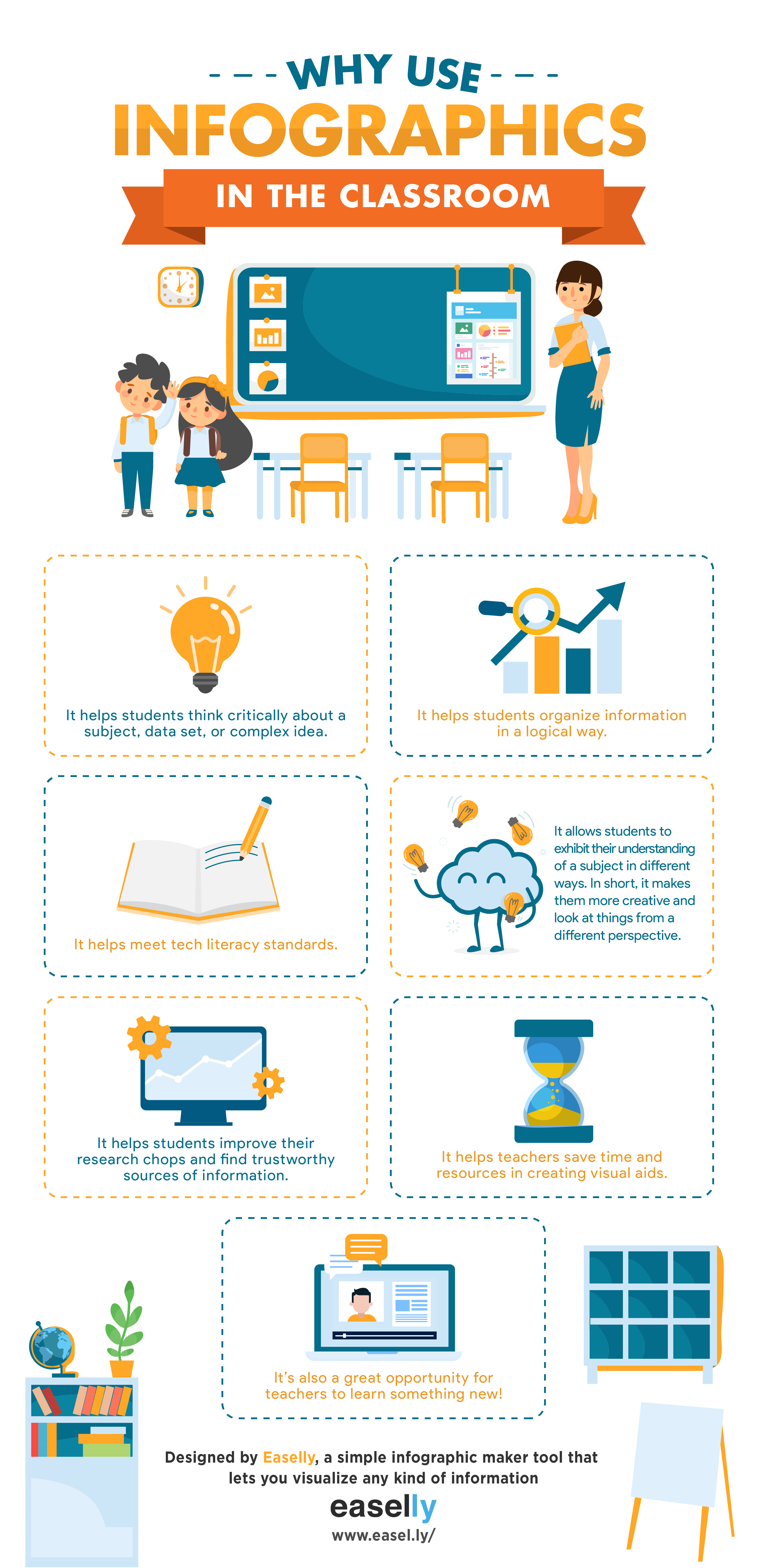
Infographic creation is one of the essential visual learnings tools that allow teachers and students alike to exchange ideas, share information, or tell a story. Here are a few reasons why infographics are essential in the classroom:
Make Infographics from Scratch Easily with Easelly
Easelly is a simple infographic creation maker that enables anyone to represent an idea visually. Its intuitive interface allows ease of use and offers many options for customization. Create infographics, posters, graphs, charts, and pictograms in the classroom with minimum fuss!
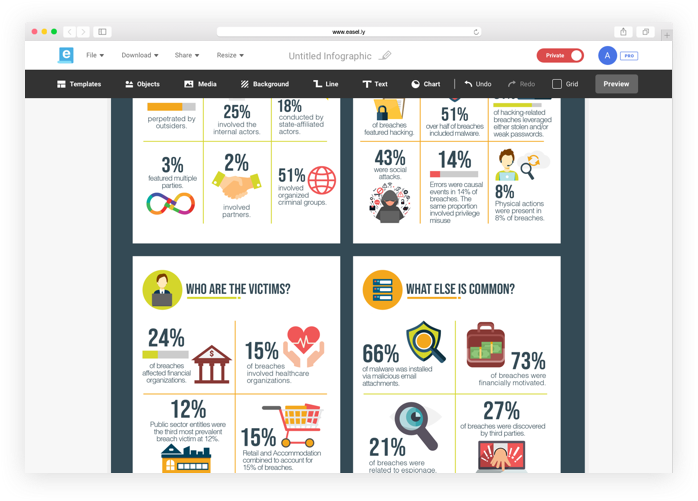
You can choose between a free and pro membership. Educators who opt for pro membership gets 30 free pro accounts for their students. Easelly has integrated with the Clever library to make setting up your classroom simple and seamless, sync your classroom with Easelly and you’re ready to go!
With a paid membership, you and your students can create your infographic with over 1.1 million free illustrations, icons, and images created by pro designers. Students also can share infographics easily and work on them simultaneously with just a few clicks. Additionally, you get full access to a library of infographic templates that are updated weekly.
Here are a few infographic creation resources and activities in the classroom that you can start with:
- Infographic Activity Book for Students (Free Download)
- How to Make Infographics with Students the Easy Way (Video Tutorial)
- Introduction to Making Infographics from Scratch (Free Guide)
Make an infographic in class with Easelly today.

More to read
Partners
October 8, 2026
Why 5 Star Students is betting on Clever’s AnySchool to close its integration gap5 Star Students expects Clever’s AnySchool to close its integration gap across 1,200 schools, so its small team can onboard any school without building new SIS integrations.
Partners
October 8, 2026
How 1-2-3 Wellness is using AnySchool to say “any school, any student” and mean it1-2-3 Wellness replaced two parallel systems with Clever’s AnySchool, freeing its six-person engineering team to build product and reach every student, Clever school or not.

Districts
Teachers
August 3, 2026
District-Wide Defense: A Texas School District’s Successful Rollout of Student MFAEdinburg CISD needed to secure student identities across a 30,000+ Chromebook fleet—without overwhelming an already stretched IT help desk. With Clever's age-tiered MFA framework, the Texas district enrolled 99% of its 32,000 students within two months, virtually eliminating password reset tickets and empowering teachers to resolve credential issues in the classroom.